When someone needs a dentist, a quick Google search is often the first step. They may visit a few dental practices, compare their websites and decide which one to contact or book with. This makes your website an important part of your practice. It should clearly explain your services, answer common patient questions and make it easy for visitors to find the information they need.
Effective dental website design is not about adding too many animations, colours or features. It is about creating a website that is simple to use, easy to understand and focused on the patient experience.
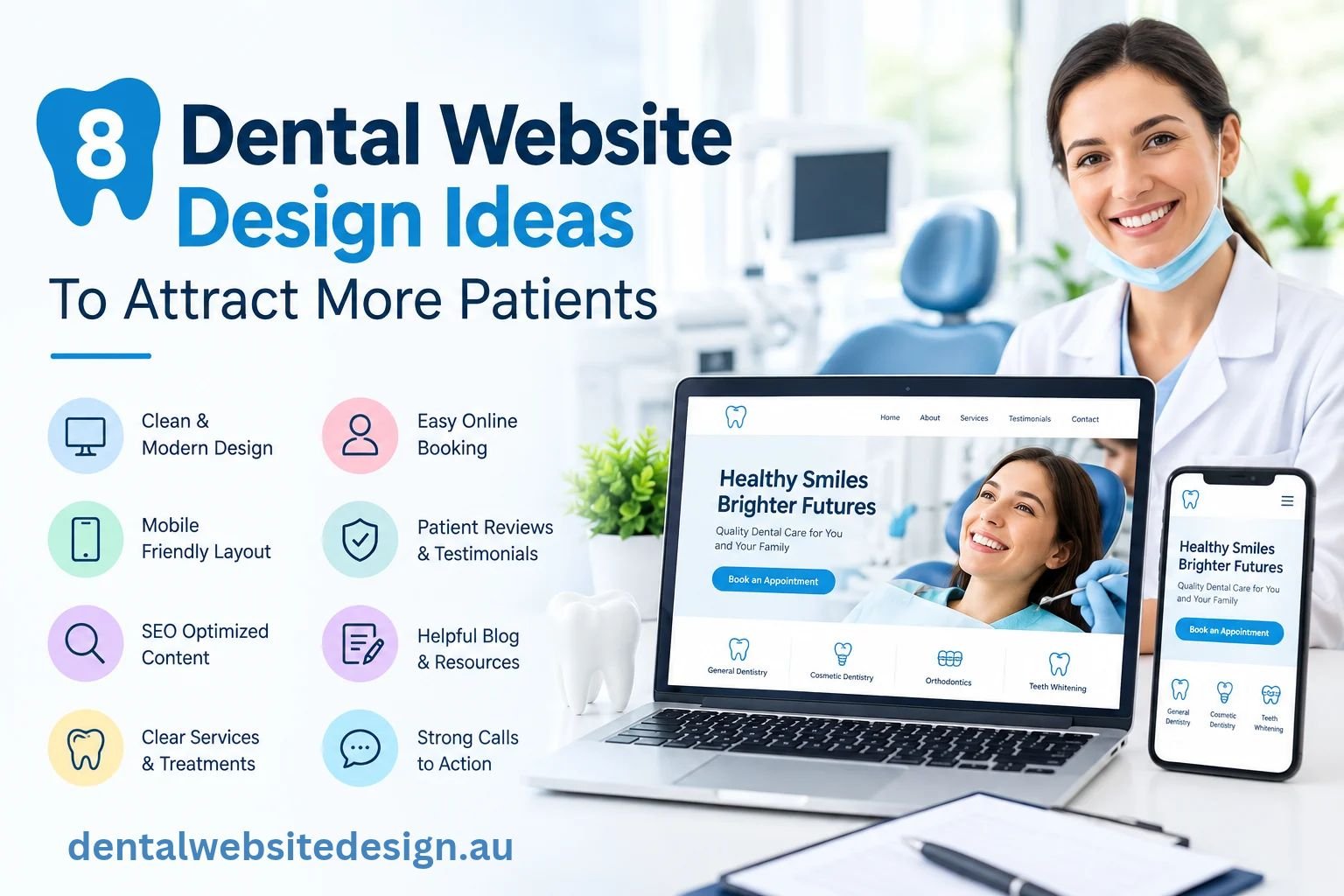
Let’s explore eight dental website design ideas that can help you create a better online experience and encourage more patients to get in touch.
Here Are 8 Ways To Make Your Dental Website More Effective
A well planned dental website can make it easier for patients to find your practice, understand your services and take the next step. Here are eight practical ideas to consider.
1. Make Your Homepage Clear From The Start
Think about what a new patient wants to know when they first visit your website.
They may want to know:
- Where is the practice located?
- What dental services do you offer?
- Do you accept new patients?
- When are you open?
- How can I book an appointment?
- Who will be treating me?
Your homepage should answer these questions without making visitors search through different pages.
Start with a clear introduction to your practice, followed by your main services, location, team information and an easy way to book or contact you.
This is one of the most important parts of dental website design because the homepage often creates the first impression of your practice. If visitors can quickly understand what you do and where to go next, they are more likely to continue exploring your website.
2. Make Booking Simple
The appointment booking process should be clear and easy to follow. Once a patient decides to contact your practice, they should be able to find the booking option without searching through several pages.
Make sure your website includes:
- A clear Book An Appointment button in the main menu
- Booking options on the homepage and key service pages
- A simple contact or booking form with only the necessary fields
- A booking process that works smoothly on both desktop and mobile
- Clear contact details for patients who prefer to call the practice
Keeping the process simple removes unnecessary steps and makes it easier for interested visitors to contact your practice and book an appointment.
3. Give Each Important Dental Service Its Own Page
Patients do not always visit a dental website just to learn about the practice. They often arrive because they are looking for a particular treatment.
Someone searching for dental implants needs different information from someone looking for children’s dentistry or an emergency appointment. Instead of putting every service into one large section, create separate pages for your main treatments.
For example-
- General dentistry
- Dental implants
- Cosmetic dentistry
- Emergency dentistry
- Children’s dentistry
- Preventive dental care
- Teeth whitening
Each page can explain what the treatment is, why someone may need it, what the process involves and how to arrange an appointment.
This approach also makes websites design for dental practices more useful because patients can go straight to the information that matches their needs.
4. Make Sure The Website Works Well On Mobile
A patient may search for a dentist while sitting at home, travelling to work or even when they suddenly develop tooth pain.
In many of these situations, they will be using their phone. That is why mobile design should not be treated as an extra feature. The website should be easy to use on a small screen from the beginning.
Check that:
- The text is easy to read
- Buttons are easy to tap
- Phone numbers can be clicked
- The menu is simple
- Booking forms work properly
- Images do not take too long to load
- Important information is not hidden
If a patient has to pinch and zoom, scroll endlessly or struggle to find your phone number, the website is making the experience harder than it needs to be. Professional websites for dentists should make it easy for someone to find what they need, regardless of the device they are using.
5. Show Patients What Your Practice Is Really Like
A dental appointment can feel uncomfortable for some people, especially if they have not visited your practice before.
Your website can help reduce some of that uncertainty. Instead of filling the website with generic stock images, consider showing your actual practice and team.
You could include photos of:
- Your reception area
- Treatment rooms
- Dentists and dental staff
- The exterior of the practice
- The equipment used in the clinic
These images help people know what to expect before they arrive.
A friendly team photo can also make the practice feel more familiar. When patients have already seen the people they are likely to meet, walking through the doors for the first time can feel easier.
6. Give Patients A Reason To Trust Your Practice
Patients are choosing a healthcare provider, so trust matters. Your websites for dentists should give visitors enough information to understand the practice.
Consider including:
- Dentist profiles
- Qualifications and registration details where appropriate
- Areas of clinical interest
- Practice information
- Contact details
- Clear information about services
- New patient information
Avoid making claims that sound exaggerated or guarantee a particular result. In Australia, dental advertising is subject to the National Law and Ahpra states that advertising must not be false, misleading or deceptive, use testimonials about regulated health services, or create unreasonable expectations of beneficial treatment.
That means the website should focus on accurate, useful information rather than making promises.
7. Answer The Questions Patients Are Already Asking
A good dental website should not only tell people what treatments you offer. It should also answer the questions they have before booking.
For example, someone may search:
“How often should I visit the dentist?”
Another person may want to know:
“What should I do if I have a broken tooth?”
Someone considering implants may want to understand the treatment process before contacting a dentist.
You can answer these questions through FAQs, dental guides and useful blog articles. This type of content can help patients understand their options while also giving search engines more information about your practice and services.
When planning website design for dentists, content should therefore be part of the plan from the beginning, rather than something added after the website is finished.
8. Keep Navigation Simple And The Website Fast
Once your website has useful information, the next step is making sure people can actually find it.
The navigation does not need to be complicated. Keep the main menu simple and use familiar names such as-
Home | About | Services | Dental Team | FAQs | Contact
You should also check how quickly the website loads.
Large images, unnecessary animations and too many website features can slow a page down. A visitor who is waiting for a page to load may simply go back to Google and choose another practice.
Review your website regularly as well. Test the contact form, booking links, phone numbers and important service pages to make sure everything still works.
A dental website design company in Australia can help with the structure, mobile experience, page speed and overall usability, but the starting point should always be the needs of your patients.
How Do These Ideas Work Together?
A well designed dental website should give patients a clear path from finding your practice to making an enquiry. Every page should have a purpose and provide information that helps visitors decide what to do next.
For example, a patient may arrive on a treatment page after searching for a particular service. From there, they should be able to:
- Understand the treatment and what it involves
- Learn more about your dental team
- Find your practice location and opening hours
- Explore other relevant services
- Easily find your contact or booking options
When these elements are planned together, the website becomes easier to use and more useful for patients. Good dental website design keeps the information clear, the navigation simple and the next step easy to find.
Final Thoughts
Your dental website should make it easy for patients to find information, understand your services and book an appointment. A clear layout, simple navigation, useful treatment pages and mobile friendly design can create a better experience from the first click.
At Dental Website Design, we are a dental website design company in Australia focused on creating websites that reflect your practice while keeping your patients at the centre. From the homepage to the booking page, every part of your website should have a clear purpose.
Ready to give your dental practice a stronger online presence?
Let’s create a website that looks professional, feels easy to use and helps turn more website visitors into patients.
FAQs
What should a good dental website include?
A good dental website should be easy to use, show your services clearly, include contact details and make it simple to book an appointment.
Why does a dental website need to work well on mobile?
Many people search for dentists on their phones. A mobile-friendly website helps them find your services, contact details and booking options without any trouble.
How can a dental website help bring in more patients?
Clear service pages, useful information, simple navigation, local SEO and an easy booking process can help more people find and contact your dental practice.
Why is professional website design important for a dental practice?
A professionally designed website gives patients a better first impression, makes information easier to find and helps them feel more comfortable contacting your practice.